Pure white is a specific color
If a listing requires pure white, the specified background color is #FFFFFF, or RGB 255, 255, 255. White paper does not necessarily photograph at that value: lighting, exposure, and shadows can make it gray or tinted. Choosing White in Cutout Lab fills the canvas with #FFFFFF behind the cutout. Partly transparent edge pixels still blend with the photographed subject; they should not all become pure white.
Rules differ between marketplaces and change over time, including how much of the frame the product must fill and whether shadows are allowed. Check the current requirements of each destination before publishing.
Steps in Cutout Lab
The steps below produce a square, white image at 2000 by 2000 pixels. Each product photo is processed separately, but you can add a whole set at once.
- Add up to 10 product photos by selecting or dropping them together. Removal starts automatically.
- Open each image from the strip above the editor and inspect it in Compare before changing the background.
- Choose the Marketplace size preset. If the background is still transparent, it switches to white automatically.
- Select Fit subject to keep the complete detected outline. Adjust Padding to leave the space your listing requires, checking that handles and other protruding details are not clipped.
- Download this image as JPG for an opaque photo or PNG for lossless storage. Download all uses original working-size framing, not the Marketplace preset, so save preset-sized images individually.
Edges that white backgrounds expose
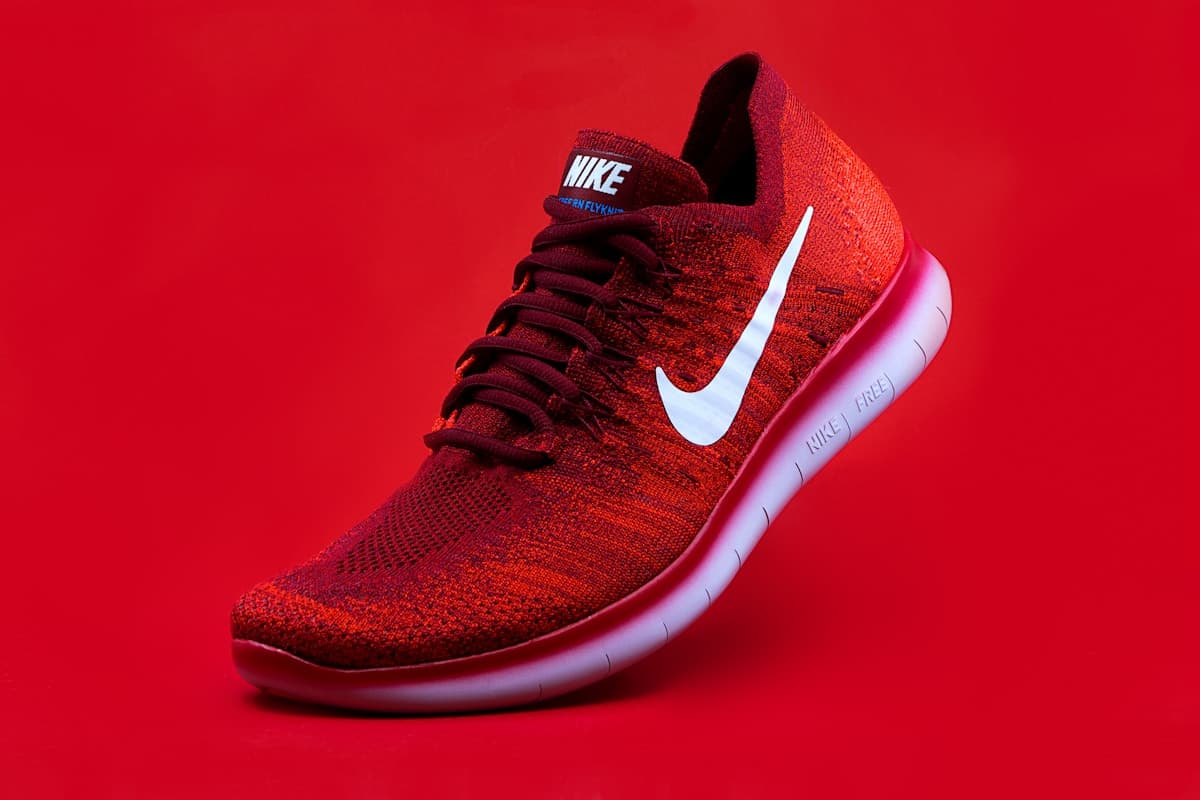
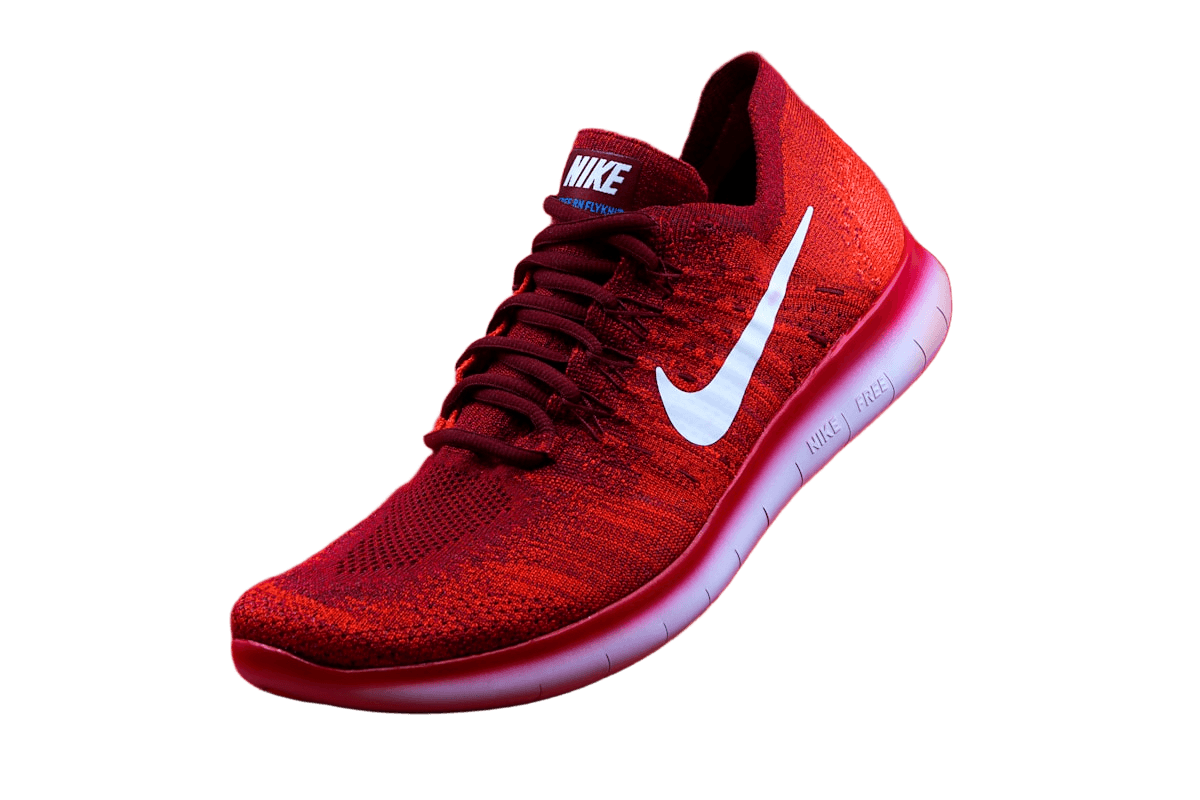
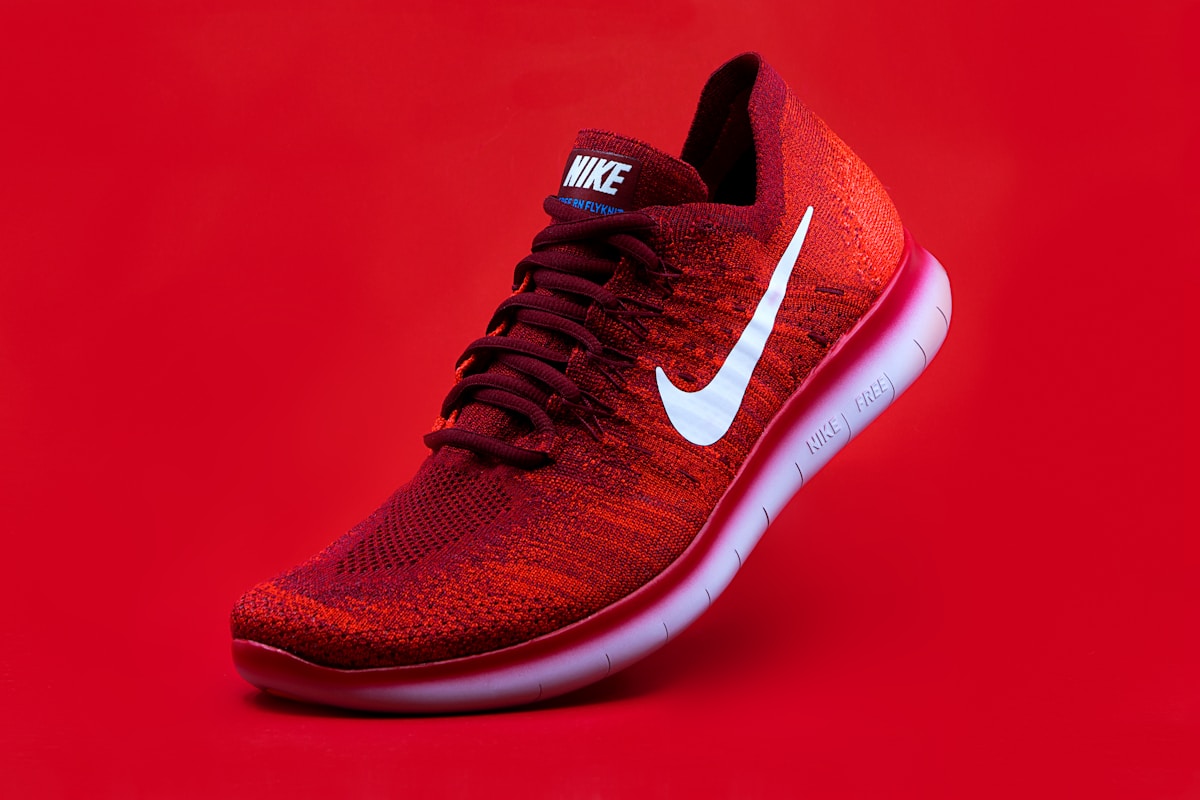
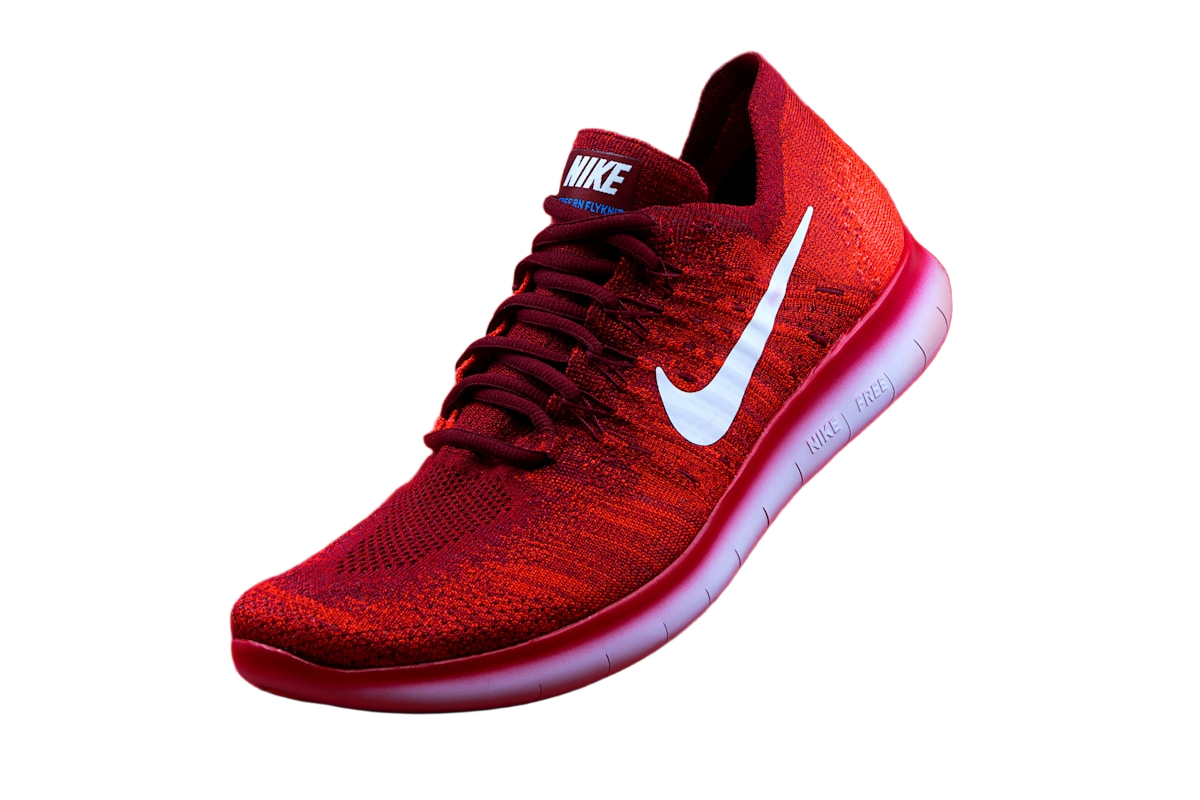
A dark remnant can stand out on white, while a pale remnant may only appear on a dark background. Inspect both. In the shoe sample, pink within the pale sole can be reflected light already present in the source, not leftover backdrop. Erase confirmed background pixels; do not narrow the sole to make its real color disappear.
Removal may discard the original floor shadow, keep part of it, or leave a dark patch. Inspect that area rather than assuming the shadow survived intact. Cutout Lab does not generate a replacement shadow. Add one in a layout editor only if your destination allows it.
White and very light products need extra care. Where a white sole meets a white background, the outline can disappear entirely. Check that the silhouette is still readable at thumbnail size.
Worked framing check: 2000 pixels with 7 percent padding
On a 2000 by 2000 canvas, 7 percent padding reserves 140 pixels on each side, leaving a 1720 by 1720 area. With Fit subject, the detected subject's longest dimension fits that area: 86 percent of the canvas width or height. This is a calculation of this editor's padding, not certification against a marketplace's occupancy rule.
A wide shoe will leave more space above and below than a tall bottle at the same setting. A stray patch can also enlarge the detected bounds and make the real product smaller. Clear leftovers first, then compare the actual product scale rather than expecting one padding value to suit every shape.
Keep a set consistent
Use the same preset and padding for every item in a category so products appear at a similar scale in search results. A matching background does not hide different camera angles or lighting, so shoot a set under the same conditions when you can.