

The resolution mismatch in neural background removal
Modern smartphone and mirrorless cameras routinely export 12-megapixel to 48-megapixel photos, while neural segmentation models (such as BiRefNet, IS-Net, and U²-Net) operate on fixed internal tensor resolutions—typically around 1024 by 1024 pixels (roughly 1 megapixel). Even when you upload a 20 MB uncompressed PNG to a server, the inference engine downscales the tensor before predicting the foreground mask.
If a web service naively resizes your photo on the server, applies the mask at the smaller inference resolution, and sends back the downscaled PNG, every surface texture—fabric weave, product labels, and car paint—loses sharpness. Conversely, uploading a raw 25 MB file just to compute a 1-megapixel alpha mask wastes upload time and server memory.
How Cutout Lab splits the work between browser and server
Cutout Lab separates mask prediction from pixel compositing. When you select a JPEG, PNG, or WebP file (up to 25 MB and 40 megapixels), your browser decodes the bitmap locally and prepares two representations in memory:
First, the working image: any photo up to 16 megapixels (for example, a 4032 by 3024 phone photo at 12.19 MP) is kept at its exact native dimensions. Photos between 16 MP and 40 MP are scaled down to 16,000,000 pixels in your browser so the editing canvas stays safely below iOS Safari's 16,777,216-pixel HTML5 canvas memory ceiling.
Second, the inference proxy: if the working image exceeds 4 megapixels or 4 MB, the browser encodes a lightweight 2.5-megapixel JPEG copy (for example, 1826 by 1369 for a 4:3 image, usually 200–450 KB). Only that compact proxy travels to the segmentation service. Because 2.5 MP already exceeds the neural network's internal ~1 MP input grid, downsizing the upload proxy loses no mask fidelity.
| Uploaded file | Working canvas in browser | Network upload proxy | Final exported PNG resolution |
|---|---|---|---|
| 1200 × 800 (0.96 MP, 220 KB) | 1200 × 800 (unchanged) | 1200 × 800 original bytes | 1200 × 800 |
| 4032 × 3024 phone photo (12.19 MP, 3.8 MB) | 4032 × 3024 (full native size) | 1826 × 1369 JPEG proxy (2.5 MP) | 4032 × 3024 with original RGB pixels |
| 6000 × 4000 camera photo (24.00 MP, 14 MB) | 4899 × 3266 (capped at 16 MP) | 1936 × 1291 JPEG proxy (2.5 MP) | 4899 × 3266 |
| 8064 × 6048 (48.77 MP, 30 MB) | Rejected before upload (over 25 MB / 40 MP limit) | None | Export a smaller copy first |
Local alpha compositing with HTML5 canvas
When the removal service returns the cutout, your browser does not use the server's compressed RGB pixels for a downscaled image. Instead, it draws your full-resolution working image onto an offscreen HTML5 canvas, sets globalCompositeOperation to destination-in with high-quality image smoothing, and draws the returned alpha mask stretched to the working dimensions.
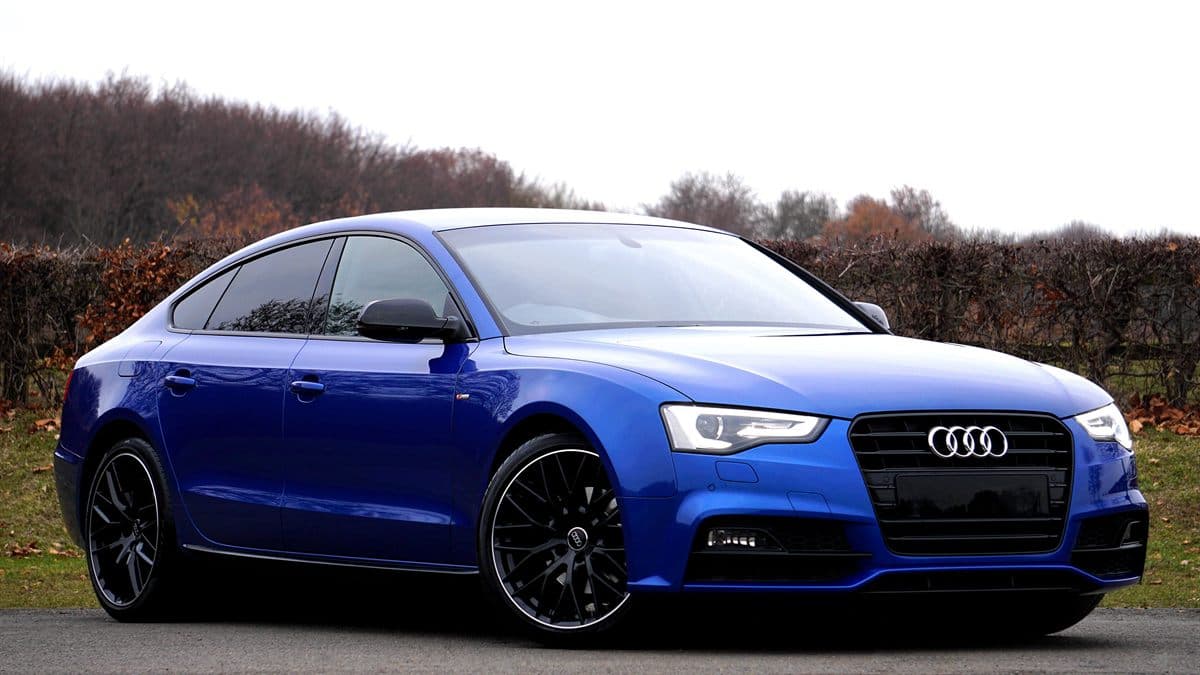
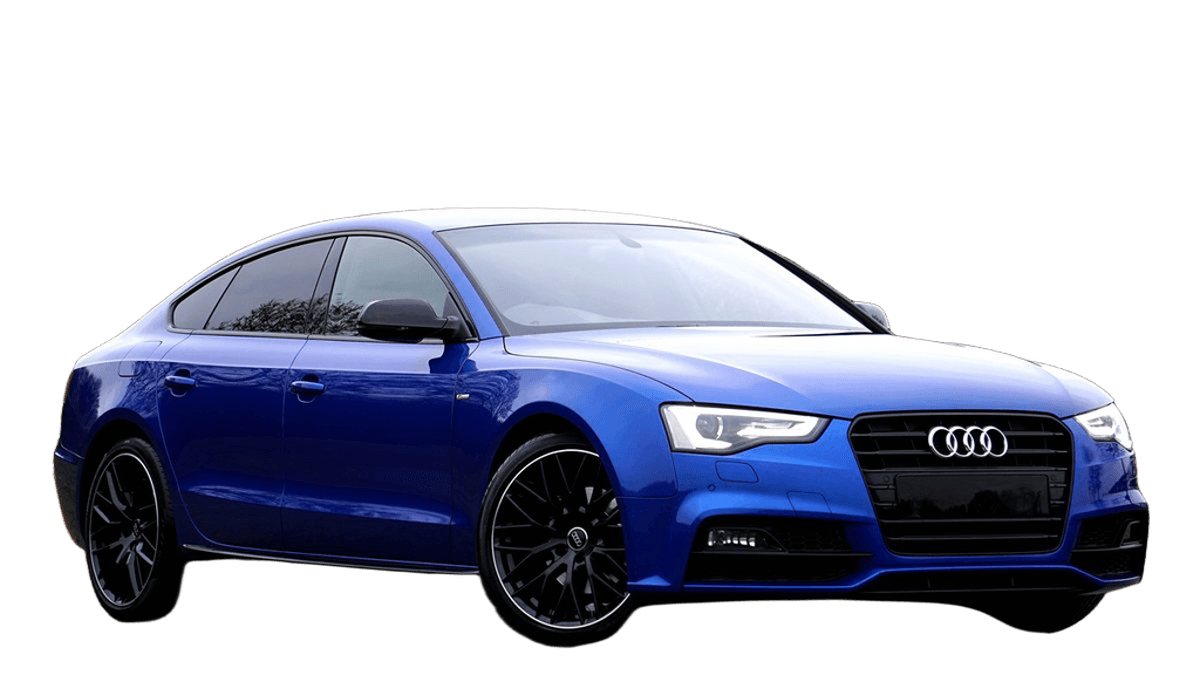
In destination-in mode, the canvas keeps the existing full-resolution RGB pixels of your local photo and multiplies their opacity by the interpolated alpha channel of the mask. Interior details—the readable typography on a bottle, pores in leather, or headlight lenses on the car sample—remain 100% untouched original pixels. Only the boundary transition zone relies on the interpolated mask.
Where mask upscaling excels—and where to inspect closely
Because the interior RGB data is never re-encoded through the inference proxy, solid objects with continuous curves (shoes, cars, electronics, furniture, and bottles) retain crisp edges up to 16 megapixels. Bilinear interpolation of a soft 0–255 alpha mask across a 2x linear scale factor (from 2.5 MP area to 10–16 MP area) produces smooth anti-aliased outlines.
The physical limit appears when a foreground feature is narrower than a single pixel in the inference grid. A flyaway hair strand that is 1 pixel wide on a 4899-pixel portrait is less than half a pixel wide at the model's internal resolution. The model outputs a soft partial-alpha band rather than resolving individual microscopic hairs. Follow these steps when preparing high-resolution exports:
- Crop away excess empty studio backdrop before uploading if the subject occupies only a small corner of a 24 MP frame. Putting more of the 2.5 MP proxy onto the subject increases effective mask resolution on the edges.
- Use Compare at 100% zoom to check whether fine interior cutouts—such as car window pillars, wheel spokes, or jewelry chains—opened cleanly.
- Use Erase or Restore area in the editor when a small gap needs refinement; your brush strokes operate directly on the full working-resolution canvas.
- Export a Transparent PNG master at Original size first, before generating smaller preset crops for marketplaces or social feeds.